

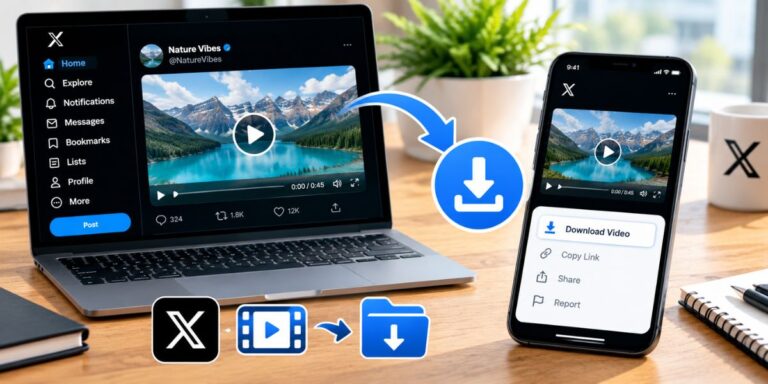
How to Download Twitter (X) Videos Online — Complete Guide
Twitter, now known as X, lets users watch videos directly in posts, but the platform doesn’t give every user a built-in download button. Because of this, if you want to save a video to your phone or computer, you need to rely on a third-party tool. Below is a simple, step-by-step method to download any Twitter video for free.
Step 1: Copy the Video Link
First, copy the link of the tweet that contains the video.
- On the Mobile App: Tap the Share icon (the arrow symbol) below the tweet and select Copy Link.
- On a Desktop Browser: Click the Share button below the tweet and choose Copy Link, or copy the tweet’s URL directly from your browser’s address bar.
Step 2: Open an Online Downloader Website
Now open a trusted, free Twitter video downloader website in your browser. Some popular options include:
- SSSTwitter (ssstwitter.com)
- TWDown (twdown.net)
- TwitterVideoDownloader (twittervideodownloader.com)
These websites work directly in your browser without needing to install any app.
Step 3: Paste the Link and Download
- Paste the copied link into the input box on the downloader website.
- Click the Download button.
- Choose your preferred video quality — such as HD, 720p, or 360p.
- On the final download button:
- On desktop, right-click and select Save Link As…
- On mobile, long-press and tap Download Link.
The video will then be saved to your device in MP4 format.
A Few Important Things to Keep in Mind
- Respect copyright: Only download videos that are your own or that you have the legal right to use. Sharing or reposting someone else’s copyrighted content without permission isn’t appropriate.
- Use trustworthy websites only: Some downloader sites are cluttered with excessive ads or pop-ups — always use a well-known, secure site to avoid malware or scams.
- Private account videos: If a tweet is from a private account, you generally can’t download the video, since only approved followers have access to it.
By following these simple steps, you can download any public Twitter (X) video in just a few seconds — no app installation required, and no cost involved.
