

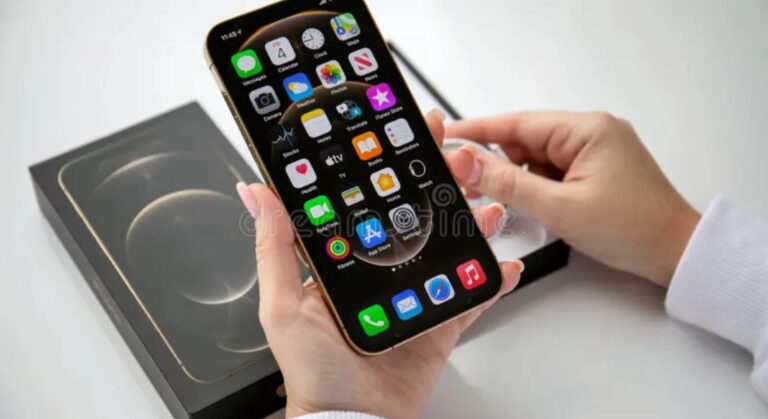
Remember the satisfying click of a CD case opening? The ritual of carefully placing the disc into a player and scanning the liner notes while your favorite album played? In our world of streaming playlists, that tangible connection to music feels like a relic. But what if you could bridge that gap? What if you could bring your cherished CD collection into the modern age, directly onto your iPhone?
This is the core idea behind the term “CDiPhone.” It’s not an official Apple product, but a clever concept for music lovers who want to merge their physical and digital libraries. In this guide, we’ll walk you through the simple process of transforming your CDs into high-quality digital files you can enjoy anywhere on your iPhone. We’ll also explore another popular interpretation of “CDiPhone” you might have seen online.
What Does “CDiPhone” Actually Mean?
The term “CDiPhone” has emerged from the online world to describe two main things:
- The Concept: The process of converting (ripping) audio from Compact Discs into digital files that can be stored and played on an iPhone, effectively making your iPhone a portable CD player.
- The Accessory: A style of protective iPhone case, often featuring a circular, CD-like design or a belt clip grip, sold by various retailers.
For the music enthusiasts out there, the first definition is where the real magic happens. Let’s dive into how you can create your own “CDiPhone” experience.
How to Play Your CDs on Your iPhone: A Step-by-Step Guide
The process is straightforward and requires just a few tools. By doing this, you’ll create a personal, high-quality music library that doesn’t rely on a Wi-Fi signal or a monthly subscription.
What You’ll Need:
- Your collection of CDs
- A computer (Mac or Windows) with a CD/DVD drive (external drives are cheap and widely available)
- Your iPhone
- A USB cable to connect your iPhone to your computer
Step 1: Rip Your CDs to Your Computer
“Ripping” is simply the term for copying audio from a CD to your computer’s hard drive.
- On a Mac: Use the built-in Apple Music app (formerly iTunes). Insert the CD, and a prompt should appear asking if you want to import it. If not, you can select the CD icon in the app and click “Import CD.”
- On a Windows PC: You can use Windows Media Player or the Apple Music app for Windows. The process is very similar.
Crucial Setting: Choose the Right Audio Format
Before you start importing, change your import settings to ensure you get the best sound quality. In your music app’s preferences, look for “Import Settings” or “Rip Settings.”
- For Best Quality (Lossless): Choose Apple Lossless (ALAC) or FLAC. This preserves the full audio quality of the CD. This is a fantastic way to enjoy lossless audio on your iPhone without paying for a premium streaming tier.
- For Smaller File Sizes: Choose AAC Encoder at 256 kbps. This is the same high-quality format used by the iTunes Store and is a great balance of quality and space savings.
The app will typically automatically fetch album names, tracklists, and artwork from the internet, saving you hours of manual entry.
Step 2: Sync Your Music to Your iPhone
Once your music is on your computer, it’s time to transfer it to your iPhone.
- Connect your iPhone to your computer using the USB cable.
- Open the Apple Music (or iTunes) app.
- Select your iPhone icon in the app.
- Go to the “Music” settings section.
- Choose to “Sync music” to your device. You can select entire albums, playlists, artists, or your entire library.
- Click the “Apply” or “Sync” button to start the transfer.
Once the sync is complete, your music will be in the native “Music” app on your iPhone, ready to play offline, anywhere you go.
The Other CDiPhone: A Unique Style of Phone Case
If you’ve scrolled through Instagram or sites like Season Made, you might have seen products labeled “CDiPhone case.” This isn’t about music; it’s a branding term for a distinct style of protective case.
These cases are known for their unique design features, which often include:
- A circular, CD-like pattern or embroidered design on the back.
- A sturdy, rotating belt clip grip, making it easy to carry your phone securely.
- Protective qualities against drops, scratches, and dust.
So, if you see a “CDiPhone,” know that it’s a fashion and function accessory designed to make your phone stand out and stay safe, not a device that plays physical discs.
Why Go Through the Trouble? The Benefits of Ripping Your CDs
In an age of instant streaming, why would you rip your CDs?
- Own Your Music: You aren’t subject to a subscription fee, and songs can’t disappear from a licensing agreement.
- Superior Sound Quality: You control the format. Rip to ALAC for true lossless audio quality that often surpasses standard streaming.
- Access Offline: Your entire collection is available on your phone without using data or needing a cell signal—perfect for flights, road trips, or areas with poor coverage.
- Preserve and Organize: It’s a way to digitize and preserve your musical history, creating a personalized library curated entirely by you.
Conclusion: Revisit Your Music Collection Today
The “CDiPhone” concept is a testament to the enduring love for physical media and the desire to make it relevant today. It’s a project that rewards you with a priceless, personalized music library. So, dig out those old CD binders from the closet, grab an external drive, and spend a weekend rediscovering your music. The process is simple, and the result is your entire collection, in stunning quality, sitting in your pocket.
